42 KiB
Gemini CLI release notes
Gemini CLI has three major release channels: nightly, preview, and stable. For most users, we recommend the stable release.
On this page, you can find information regarding the current releases and announcements from each release.
For the full changelog, refer to Releases - google-gemini/gemini-cli on GitHub.
Current releases
| Release channel | Notes |
|---|---|
| Nightly | Nightly release with the most recent changes. |
| Preview | Experimental features ready for early feedback. |
| Stable | Stable, recommended for general use. |
Announcements: v0.25.0 - 2026-01-20
- Skills and Agents Improvements: We've enhanced the
activate_skilltool, added a newpr-creatorskill (#16232 by @NTaylorMullen), enabled skills by default, improved thecli_helpagent (#16100 by @scidomino), and added a new/agents refreshcommand (#16204 by @joshualitt). - UI/UX Refinements: You'll notice more transparent feedback for skills (#15954 by @NTaylorMullen), the ability to switch focus between the shell and input with Tab (#14332 by @jacob314), and dynamic terminal tab titles (#16378 by @NTaylorMullen).
- Core Functionality & Performance: This release includes support for built-in agent skills (#16045 by @NTaylorMullen), refined Gemini 3 system instructions (#16139 by @NTaylorMullen), caching for ignore instances to improve performance (#16185 by @EricRahm), and enhanced retry mechanisms (#16489 by @sehoon38).
- Bug Fixes and Stability: We've squashed numerous bugs across the CLI, core, and workflows, addressing issues with subagent delegation, unicode character crashes, and sticky header regressions.
Announcements: v0.24.0 - 2026-01-14
- Agent Skills: We've introduced significant advancements in Agent Skills. This includes initial documentation and tutorials to help you get started, alongside enhanced support for remote agents, allowing for more distributed and powerful automation within Gemini CLI. (#15869 by @NTaylorMullen), (#16013 by @adamweidman)
- Improved UI/UX: The user interface has received several updates, featuring visual indicators for hook execution, a more refined display for settings, and the ability to use the Tab key to effortlessly switch focus between the shell and input areas. (#15408 by @abhipatel12), (#14332 by @galz10)
- Enhanced Security: Security has been a major focus, with default folder trust now set to untrusted for increased safety. The Policy Engine has been improved to allow specific modes in user and administrator policies, and granular allowlisting for shell commands has been implemented, providing finer control over tool execution. (#15943 by @galz10), (#15977 by @NTaylorMullen)
- Core Functionality: This release includes a mandatory MessageBus injection, marking Phase 3 of a hard migration to a more robust internal communication system. We've also added support for built-in skills with the CLI itself, and enhanced model routing to effectively utilize subagents. (#15776 by @abhipatel12), (#16300 by @NTaylorMullen)
- Terminal Features: Terminal interactions are more seamless with new features like OSC 52 paste support, along with fixes for Windows clipboard paste issues and general improvements to pasting in Windows terminals. (#15336 by @scidomino), (#15932 by @scidomino)
- New Commands: To manage the new features, we've added several new
commands:
/agents refreshto update agent configurations,/skills reloadto refresh skill definitions, and/skills install/uninstallfor easier management of your Agent Skills. (#16204 by @NTaylorMullen), (#15865 by @NTaylorMullen), (#16377 by @NTaylorMullen)
Announcements: v0.23.0 - 2026-01-07
- 🎉 Experimental Agent Skills Support in Preview: Gemini CLI now supports
Agent Skills in our preview builds. This is an
early preview where we’re looking for feedback!
- Install Preview:
npm install -g @google/gemini-cli@preview - Enable in
/settings - Docs: https://geminicli.com/docs/cli/skills/
- Install Preview:
- Gemini CLI wrapped: Run
npx gemini-wrappedto visualize your usage stats, top models, languages, and more! - Windows clipboard image support: Windows users can now paste images
directly from their clipboard into the CLI using
Alt+V. (pr by @sgeraldes) - Terminal background color detection: Automatically optimizes your terminal's background color to select compatible themes and provide accessibility warnings. (pr by @jacob314)
- Session logout: Use the new
/logoutcommand to instantly clear credentials and reset your authentication state for seamless account switching. (pr by @CN-Scars)
Announcements: v0.22.0 - 2025-12-22
- 🎉Free Tier + Gemini 3: Free tier users now all have access to Gemini 3
Pro & Flash. Enable in
/settingsby toggling "Preview Features" totrue. - 🎉Gemini CLI + Colab: Gemini CLI is now pre-installed. Can be used headlessly in notebook cells or interactively in the built-in terminal (pic)
- 🎉Gemini CLI Extensions:
-
Conductor: Planning++, Gemini works with you to build out a detailed plan, pull in extra details as needed, ultimately to give the LLM guardrails with artifacts. Measure twice, implement once!
gemini extensions install https://github.com/gemini-cli-extensions/conductorBlog: https://developers.googleblog.com/conductor-introducing-context-driven-development-for-gemini-cli/
-
Endor Labs: Perform code analysis, vulnerability scanning, and dependency checks using natural language.
gemini extensions install https://github.com/endorlabs/gemini-extension
-
Announcements: v0.21.0 - 2025-12-15
- ⚡️⚡️⚡️ Gemini 3 Flash + Gemini CLI: Better, faster and cheaper than 2.5
Pro - and in some scenarios better than 3 Pro! For paid tiers + free tier
users who were on the wait list enable Preview Features in
/settings. - For more information: Gemini 3 Flash is now available in Gemini CLI.
- 🎉 Gemini CLI Extensions:
- Rill: Utilize natural language to analyze Rill data, enabling the
exploration of metrics and trends without the need for manual queries.
gemini extensions install https://github.com/rilldata/rill-gemini-extension - Browserbase: Interact with web pages, take screenshots, extract information,
and perform automated actions with atomic precision.
gemini extensions install https://github.com/browserbase/mcp-server-browserbase
- Rill: Utilize natural language to analyze Rill data, enabling the
exploration of metrics and trends without the need for manual queries.
- Quota Visibility: The
/statscommand now displays quota information for all available models, including those not used in the current session. (@sehoon38) - Fuzzy Setting Search: Users can now quickly find settings using fuzzy search within the settings dialog. (@sehoon38)
- MCP Resource Support: Users can now discover, view, and search through resources using the @ command. (@MrLesk)
- Auto-execute Simple Slash Commands: Simple slash commands are now executed immediately on enter. (@jackwotherspoon)
Announcements: v0.20.0 - 2025-12-01
- Multi-file Drag & Drop: Users can now drag and drop multiple files into
the terminal, and the CLI will automatically prefix each valid path with
@. (pr by @jackwotherspoon) - Persistent "Always Allow" Policies: Users can now save "Always Allow" decisions for tool executions, with granular control over specific shell commands and multi-cloud platform tools. (pr by @allenhutchison)
Announcements: v0.19.0 - 2025-11-24
- 🎉 New extensions:
- Eleven Labs: Create, play, manage your audio play tracks with the Eleven
Labs Gemini CLI extension:
gemini extensions install https://github.com/elevenlabs/elevenlabs-mcp
- Eleven Labs: Create, play, manage your audio play tracks with the Eleven
Labs Gemini CLI extension:
- Zed integration: Users can now leverage Gemini 3 within the Zed
integration after enabling "Preview Features" in their CLI’s
/settings. (pr by @benbrandt) - Interactive shell:
- Click-to-Focus: When "Use Alternate Buffer" setting is enabled, users can click within the embedded shell output to focus it for input. (pr by @galz10)
- Loading phrase: Clearly indicates when the interactive shell is awaiting user input. (vid, pr by @jackwotherspoon)
Announcements: v0.18.0 - 2025-11-17
- 🎉 New extensions:
- Google Workspace: Integrate Gemini CLI with your Workspace data. Write
docs, build slides, chat with others or even get your calc on in sheets:
gemini extensions install https://github.com/gemini-cli-extensions/workspace - Redis: Manage and search data in Redis with natural language:
gemini extensions install https://github.com/redis/mcp-redis - Anomalo: Query your data warehouse table metadata and quality status
through commands and natural language:
gemini extensions install https://github.com/datagravity-ai/anomalo-gemini-extension
- Google Workspace: Integrate Gemini CLI with your Workspace data. Write
docs, build slides, chat with others or even get your calc on in sheets:
- Experimental permission improvements: We are now experimenting with a new policy engine in Gemini CLI. This allows users and administrators to create fine-grained policy for tool calls. Currently behind a flag. See policy engine documentation for more information.
- Gemini 3 support for paid: Gemini 3 support has been rolled out to all API
key, Google AI Pro or Google AI Ultra (for individuals, not businesses) and
Gemini Code Assist Enterprise users. Enable it via
/settingsand toggling on Preview Features. - Updated UI rollback: We’ve temporarily rolled back our updated UI to give
it more time to bake. This means for a time you won’t have embedded scrolling
or mouse support. You can re-enable with
/settings-> Use Alternate Screen Buffer ->true. - Model in history: Users can now toggle in
/settingsto display model in their chat history. (gif, pr by @scidomino) - Multi-uninstall: Users can now uninstall multiple extensions with a single command. (pic, pr by @JayadityaGit)
Announcements: v0.16.0 - 2025-11-10
- Gemini 3 + Gemini CLI: launch 🚀🚀🚀
- Data Commons Gemini CLI Extension - A new Data Commons Gemini CLI extension that lets you query open-source statistical data from datacommons.org. To get started, you'll need a Data Commons API key and uv installed. These and other details to get you started with the extension can be found at https://github.com/gemini-cli-extensions/datacommons.
Announcements: v0.15.0 - 2025-11-03
-
🎉 Seamless scrollable UI and mouse support: We’ve given Gemini CLI a major facelift to make your terminal experience smoother and much more polished. You now get a flicker-free display with sticky headers that keep important context visible and a stable input prompt that doesn't jump around. We even added mouse support so you can click right where you need to type! (gif, @jacob314).
-
🎉 New partner extensions:
-
Arize: Seamlessly instrument AI applications with Arize AX and grant direct access to Arize support:
gemini extensions install https://github.com/Arize-ai/arize-tracing-assistant -
Chronosphere: Retrieve logs, metrics, traces, events, and specific entities:
gemini extensions install https://github.com/chronosphereio/chronosphere-mcp -
Transmit: Comprehensive context, validation, and automated fixes for creating production-ready authentication and identity workflows:
gemini extensions install https://github.com/TransmitSecurity/transmit-security-journey-builder
-
-
Todo planning: Complex questions now get broken down into todo lists that the model can manage and check off. (gif, pr by @anj-s)
-
Disable GitHub extensions: Users can now prevent the installation and loading of extensions from GitHub. (pr by @kevinjwang1).
-
Extensions restart: Users can now explicitly restart extensions using the
/extensions restartcommand. (pr by @jakemac53). -
Better Angular support: Angular workflows should now be more seamless (pr by @MarkTechson).
-
Validate command: Users can now check that local extensions are formatted correctly. (pr by @kevinjwang1).
Announcements: v0.12.0 - 2025-10-27

-
🎉 New partner extensions:
-
🤗 Hugging Face extension: Access the Hugging Face hub. (gif)
gemini extensions install https://github.com/huggingface/hf-mcp-server -
Monday.com extension: Analyze your sprints, update your task boards, etc. (gif)
gemini extensions install https://github.com/mondaycom/mcp -
Data Commons extension: Query public datasets or ground responses on data from Data Commons (gif).
gemini extensions install https://github.com/gemini-cli-extensions/datacommons
-
-
Model selection: Choose the Gemini model for your session with
/model. (pic, pr by @abhipatel12). -
Model routing: Gemini CLI will now intelligently pick the best model for the task. Simple queries will be sent to Flash while complex analytical or creative tasks will still use the power of Pro. This ensures your quota will last for a longer period of time. You can always opt-out of this via
/model. (pr by @abhipatel12). -
Codebase investigator subagent: We now have a new built-in subagent that will explore your workspace and resolve relevant information to improve overall performance. (pr by @abhipatel12, pr by @silviojr).
-
Explore extensions with
/extension: Users can now open the extensions page in their default browser directly from the CLI using the/extensionexplore command. (pr by @JayadityaGit). -
Configurable compression: Users can modify the compression threshold in
/settings. The default has been made more proactive (pr by @scidomino). -
API key authentication: Users can now securely enter and store their Gemini API key via a new dialog, eliminating the need for environment variables and repeated entry. (pr by @galz10).
-
Sequential approval: Users can now approve multiple tool calls sequentially during execution. (pr by @joshualitt).
Announcements: v0.11.0 - 2025-10-20
- 🎉 Gemini CLI Jules Extension: Use Gemini CLI to orchestrate Jules. Spawn
remote workers, delegate tedious tasks, or check in on running jobs!
- Install:
gemini extensions install https://github.com/gemini-cli-extensions/jules - Announcement: https://developers.googleblog.com/en/introducing-the-jules-extension-for-gemini-cli/
- Install:
- Stream JSON output: Stream real-time JSONL events with
--output-format stream-jsonto monitor AI agent progress when run headlessly. (gif, pr by @anj-s) - Markdown toggle: Users can now switch between rendered and raw markdown
display using
alt+morctrl+m. (gif, pr by @srivatsj) - Queued message editing: Users can now quickly edit queued messages by pressing the up arrow key when the input is empty. (gif, pr by @akhil29)
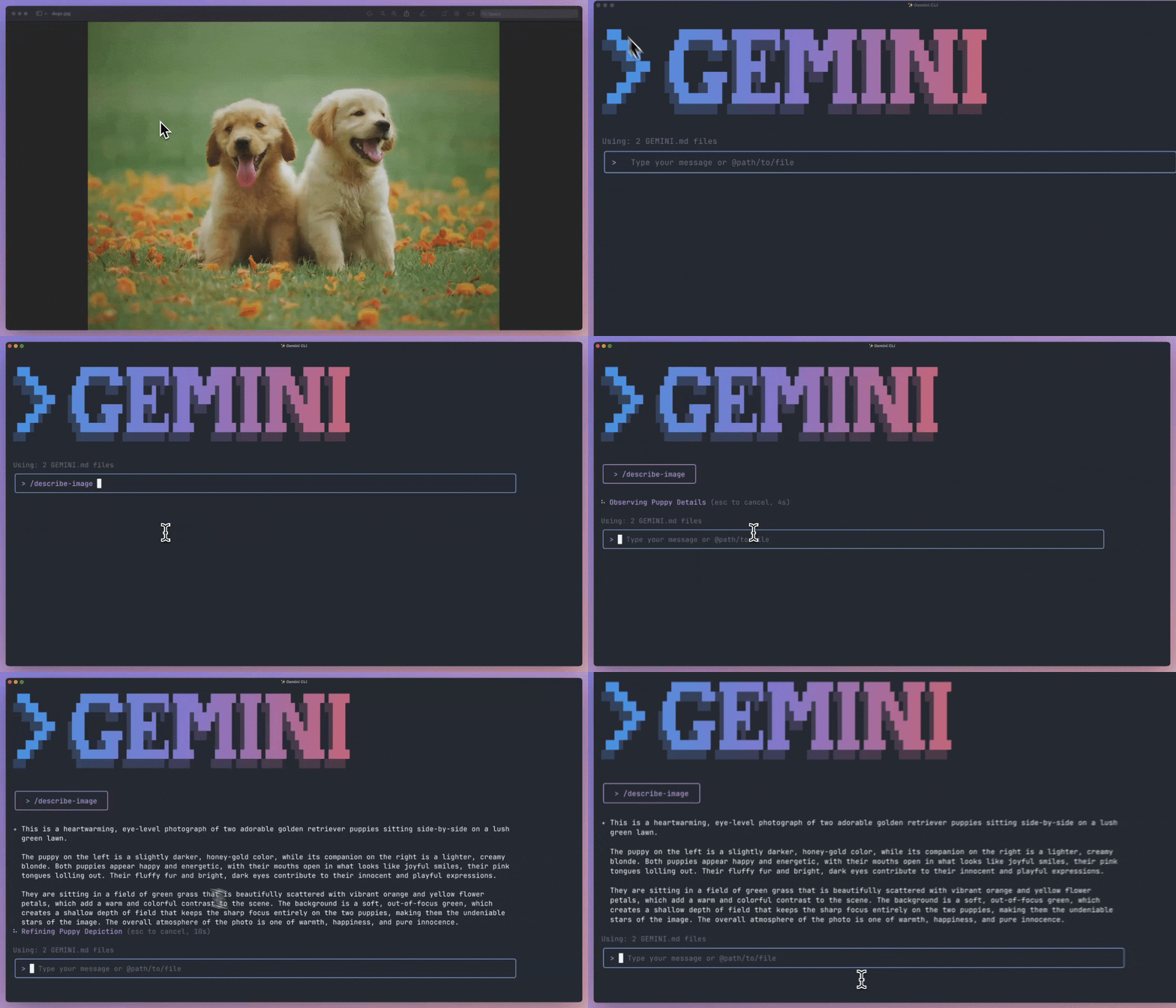
- JSON web fetch: Non-HTML content like JSON APIs or raw source code are now properly shown to the model (previously only supported HTML) (gif, pr by @abhipatel12)
- Non-interactive MCP commands: Users can now run MCP slash commands in
non-interactive mode
gemini "/some-mcp-prompt". (pr by @capachino) - Removal of deprecated flags: We’ve finally removed a number of deprecated
flags to cleanup Gemini CLI’s invocation profile:
--all-files/-ain favor of@from within Gemini CLI. (pr by @allenhutchison)--telemetry-*flags in favor of environment variables (pr by @allenhutchison)
Announcements: v0.10.0 - 2025-10-13
- Polish: The team has been heads down bug fixing and investing heavily into polishing existing flows, tools, and interactions.
- Interactive Shell Tool calling: Gemini CLI can now also execute interactive tools if needed (pr by @galz10).
- Alt+Key support: Enables broader support for Alt+Key keyboard shortcuts across different terminals. (pr by @srivatsj).
- Telemetry Diff stats: Track line changes made by the model and user during file operations via OTEL. (pr by @jerop).
Announcements: v0.9.0 - 2025-10-06
- 🎉 Interactive Shell: Run interactive commands like
vim,rebase -i, or evengemini😎 directly in Gemini CLI: - Install pre-release extensions: Install the latest
--pre-releaseversions of extensions. Used for when an extension’s release hasn’t been marked as "latest". (pr by @jakemac53) - Simplified extension creation: Create a new, empty extension. Templates are no longer required. (pr by @chrstnb)
- OpenTelemetry GenAI metrics: Aligns telemetry with industry-standard semantic conventions for improved interoperability. (spec, pr by @jerop)
- List memory files: Quickly find the location of your long-term memory
files with
/memory list. (pr by @sgnagnarella)
Announcements: v0.8.0 - 2025-09-29
- 🎉 Announcing Gemini CLI Extensions 🎉
- Completely customize your Gemini CLI experience to fit your workflow.
- Build and share your own Gemini CLI extensions with the world.
- Launching with a growing catalog of community, partner, and Google-built
extensions.
- Check extensions from key launch partners.
- Easy install:
gemini extensions install <github url|folder path>
- Easy management:
gemini extensions install|uninstall|linkgemini extensions enable|disablegemini extensions list|update|new
- Or use commands while running with
/extensions list|update. - Everything you need to know: Now open for building: Introducing Gemini CLI extensions.
- 🎉 Our New Home Page & Better Documentation 🎉
- Check out our new home page for better getting started material, reference documentation, extensions and more!
- Homepage: https://geminicli.com
- ‼️NEW documentation: https://geminicli.com/docs (Have any suggestions?)
- Extensions: https://geminicli.com/extensions
- Non-Interactive Allowed Tools:
--allowed-toolswill now also work in non-interactive mode. (pr by @mistergarrison) - Terminal Title Status: See the CLI's real-time status and thoughts
directly in the terminal window's title by setting
showStatusInTitle: true. (pr by @Fridayxiao) - Small features, polish, reliability & bug fixes: A large amount of changes, smaller features, UI updates, reliability and bug fixes + general polish made it in this week!
Announcements: v0.7.0 - 2025-09-22
- 🎉Build your own Gemini CLI IDE plugin: We've published a spec for creating IDE plugins to enable rich context-aware experiences and native in-editor diffing in your IDE of choice. (pr by @skeshive)
- 🎉 Gemini CLI extensions
- Telemetry config via environment: Manage telemetry settings using environment variables for a more flexible setup. (docs, pr by @jerop)
- Experimental todos: Track and display progress on complex tasks with a
managed checklist. Off by default but can be enabled via
"useWriteTodos": true(pr by @anj-s) - Share chat support for tools: Using
/chat sharewill now also render function calls and responses in the final markdown file. (pr by @rramkumar1) - Citations: Now enabled for all users (pr by @scidomino)
- Custom commands in Headless Mode: Run custom slash commands directly from
the command line in non-interactive mode:
gemini "/joke Chuck Norris"(pr by @capachino) - Small features, polish, reliability & bug fixes: A large amount of changes, smaller features, UI updates, reliability and bug fixes + general polish made it in this week!
Announcements: v0.6.0 - 2025-09-15
- 🎉 Higher limits for Google AI Pro and Ultra subscribers: We’re psyched to finally announce that Google AI Pro and AI Ultra subscribers now get access to significantly higher 2.5 quota limits for Gemini CLI!
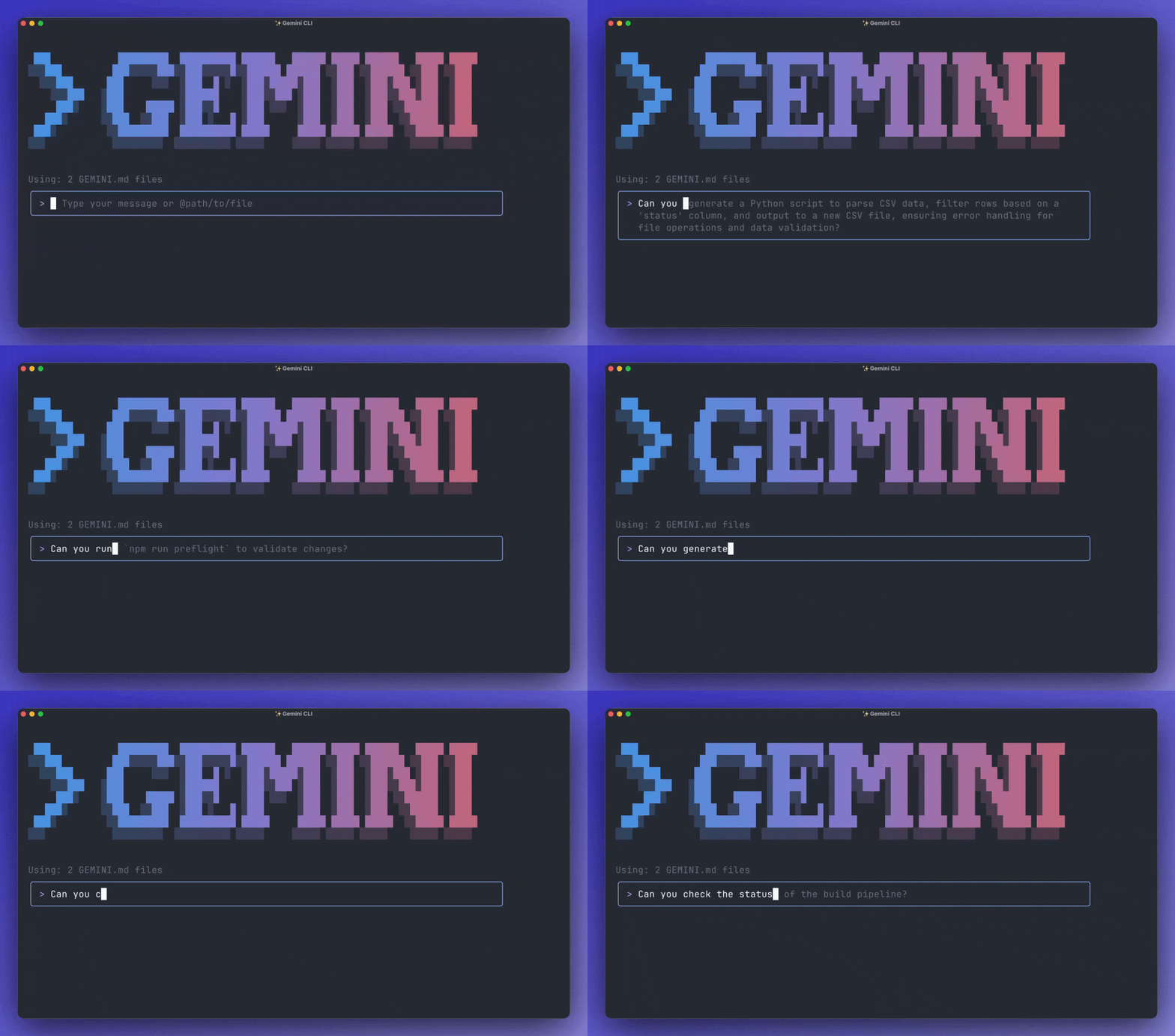
- 🎉Gemini CLI Databases and BigQuery Extensions: Connect Gemini CLI to all
of your cloud data with Gemini CLI.
- Announcement and how to get started with each of the below extensions: https://cloud.google.com/blog/products/databases/gemini-cli-extensions-for-google-data-cloud?e=48754805
- AlloyDB: Interact, manage and observe AlloyDB for PostgreSQL databases (manage, observe)
- BigQuery: Connect and query your BigQuery datasets or utilize a sub-agent for contextual insights (query, sub-agent)
- Cloud SQL: Interact, manage and observe Cloud SQL for PostgreSQL (manage, observe), Cloud SQL for MySQL (manage, observe) and Cloud SQL for SQL Server (manage, observe) databases.
- Dataplex: Discover, manage, and govern data and AI artifacts (extension)
- Firestore: Interact with Firestore databases, collections and documents (extension)
- Looker: Query data, run Looks and create dashboards (extension)
- MySQL: Interact with MySQL databases (extension)
- Postgres: Interact with PostgreSQL databases (extension)
- Spanner: Interact with Spanner databases (extension)
- SQL Server: Interact with SQL Server databases (extension)
- MCP Toolbox: Configure and load custom tools for more than 30+ data sources (extension)
- JSON output mode: Have Gemini CLI output JSON with
--output-format jsonwhen invoked headlessly for easy parsing and post-processing. Includes response, stats and errors. (pr by @jerop) - Keybinding triggered approvals: When you use shortcuts (
shift+yorshift+tab) to activate YOLO/auto-edit modes any pending confirmation dialogs will now approve. (pr by @bulkypanda) - Chat sharing: Convert the current conversation to a Markdown or JSON file with /chat share <file.md|file.json> (pr by @rramkumar1)
- Prompt search: Search your prompt history using
ctrl+r. (pr by @Aisha630) - Input undo/redo: Recover accidentally deleted text in the input prompt
using
ctrl+z(undo) andctrl+shift+z(redo). (pr by @masiafrest) - Loop detection confirmation: When loops are detected you are now presented with a dialog to disable detection for the current session. (pr by @SandyTao520)
- Direct to Google Cloud Telemetry: Directly send telemetry to Google Cloud for a simpler and more streamlined setup. (pr by @jerop)
- Visual Mode Indicator Revamp: ‘shell’, 'accept edits' and 'yolo' modes now have colors to match their impact / usage. Input box now also updates. (shell, accept-edits, yolo, pr by @miguelsolorio)
- Small features, polish, reliability & bug fixes: A large amount of changes, smaller features, UI updates, reliability and bug fixes + general polish made it in this week!
Announcements: v0.5.0 - 2025-09-08
- 🎉FastMCP + Gemini CLI🎉: Quickly install and manage your Gemini CLI MCP
servers with FastMCP (video,
pr by
@jackwotherspoon)
- Getting started: https://gofastmcp.com/integrations/gemini-cli
- Positional Prompt for Non-Interactive: Seamlessly invoke Gemini CLI
headlessly via
gemini "Hello". Synonymous with passing-p. (gif, pr by @allenhutchison) - Experimental Tool output truncation: Enable truncating shell tool outputs
and saving full output to a file by setting
"enableToolOutputTruncation": true(pr by @SandyTao520) - Edit Tool improvements: Gemini CLI’s ability to edit files should now be far more capable. (pr by @silviojr)
- Custom witty messages: The feature you’ve all been waiting for…
Personalized witty loading messages via
"ui": { "customWittyPhrases": ["YOLO"]}insettings.json. (pr by @JayadityaGit) - Nested .gitignore File Handling: Nested
.gitignorefiles are now respected. (pr by @gsquared94) - Enforced authentication: System administrators can now mandate a specific
authentication method via
"enforcedAuthType": "oauth-personal|gemini-api-key|…"insettings.json. (pr by @chrstnb) - A2A development-tool extension: An RFC for an Agent2Agent (A2A) powered extension for developer tool use cases. (feedback, pr by @skeshive)
- **Hands on Codelab: **https://codelabs.developers.google.com/gemini-cli-hands-on
- Small features, polish, reliability & bug fixes: A large amount of changes, smaller features, UI updates, reliability and bug fixes + general polish made it in this week!
Announcements: v0.4.0 - 2025-09-01
- 🎉Gemini CLI CloudRun and Security Integrations🎉: Automate app deployment
and security analysis with CloudRun and Security extension integrations. Once
installed deploy your app to the cloud with
/deployand find and fix security vulnerabilities with/security:analyze.- Announcement and how to get started: https://cloud.google.com/blog/products/ai-machine-learning/automate-app-deployment-and-security-analysis-with-new-gemini-cli-extensions
- Experimental
- Edit Tool: Give our new edit tool a try by setting
"useSmartEdit": trueinsettings.json! (feedback, pr by @silviojr) - Model talking to itself fix: We’ve removed a model workaround that would
encourage Gemini CLI to continue conversations on your behalf. This may be
disruptive and can be disabled via
"skipNextSpeakerCheck": falsein yoursettings.json(feedback, pr by @SandyTao520) - Prompt completion: Get real-time AI suggestions to complete your prompts
as you type. Enable it with
"general": { "enablePromptCompletion": true }and share your feedback! (gif, pr by @3ks)
- Edit Tool: Give our new edit tool a try by setting
- Footer visibility configuration: Customize the CLI's footer look and feel
in
settings.json(pr by @miguelsolorio)hideCWD: hide current working directory.hideSandboxStatus: hide sandbox status.hideModelInfo: hide current model information.hideContextSummary: hide request context summary.
- Citations: For enterprise Code Assist licenses users will now see
citations in their responses by default. Enable this yourself with
"showCitations": true(pr by @scidomino) - Pro Quota Dialog: Handle daily Pro model usage limits with an interactive dialog that lets you immediately switch auth or fallback. (pr by @JayadityaGit)
- Custom commands @: Embed local file or directory content directly into
your custom command prompts using
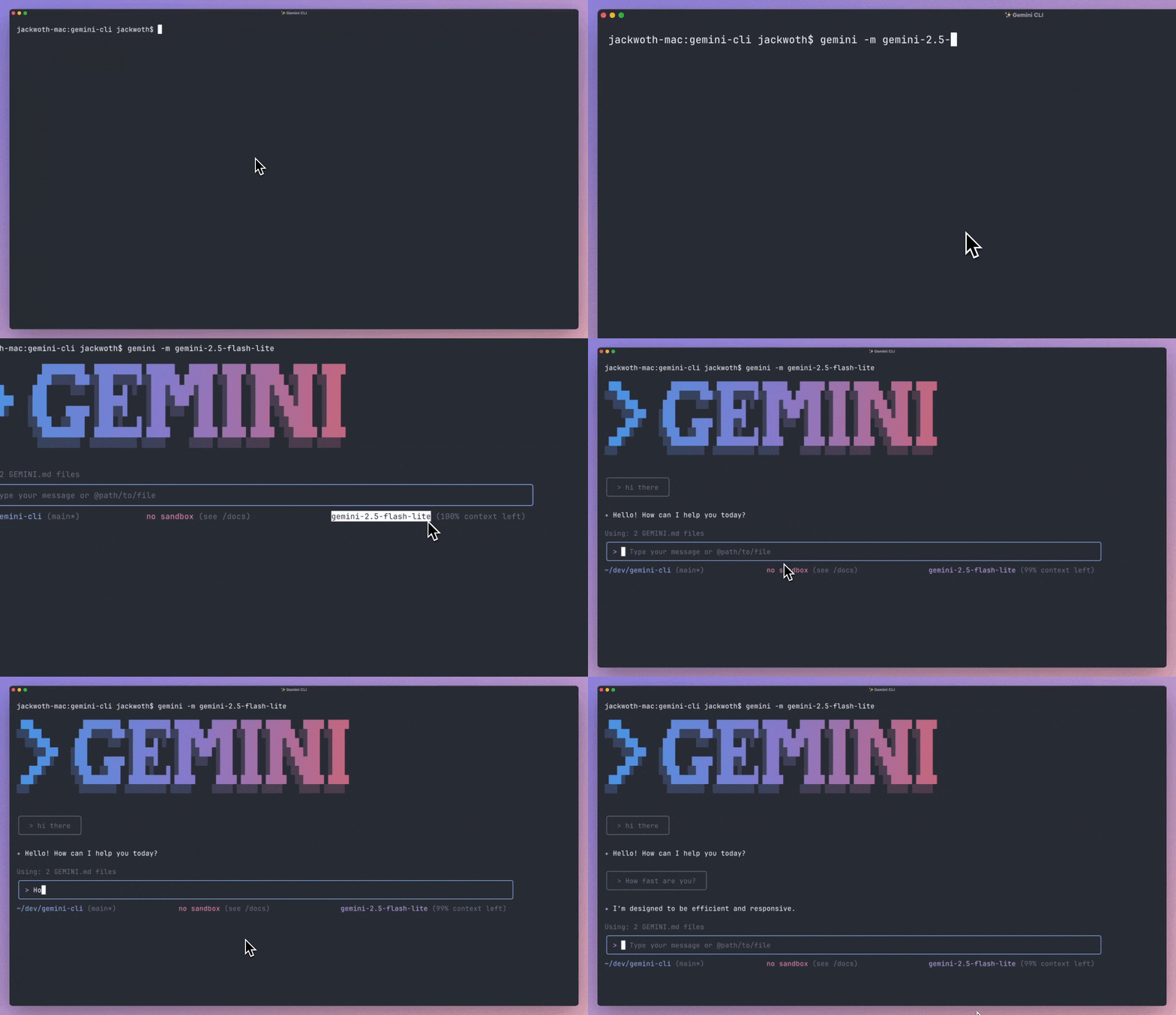
@{path}syntax (gif, pr by @abhipatel12) - 2.5 Flash Lite support: You can now use the
gemini-2.5-flash-litemodel for Gemini CLI viagemini -m …. (gif, pr by @psinha40898) - CLI streamlining: We have deprecated a number of command line arguments in
favor of
settings.jsonalternatives. We will remove these arguments in a future release. See the PR for the full list of deprecations. (pr by @allenhutchison) - JSON session summary: Track and save detailed CLI session statistics to a
JSON file for performance analysis with
--session-summary <path>(pr by @leehagoodjames) - Robust keyboard handling: More reliable and consistent behavior for arrow keys, special keys (Home, End, etc.), and modifier combinations across various terminals. (pr by @deepankarsharma)
- MCP loading indicator: Provides visual feedback during CLI initialization when connecting to multiple servers. (pr by @swissspidy)
- Small features, polish, reliability & bug fixes: A large amount of changes, smaller features, UI updates, reliability and bug fixes + general polish made it in this week!