mirror of
https://github.com/nocodb/nocodb.git
synced 2026-05-05 10:36:44 +00:00

2.6 KiB
2.6 KiB
title, description, tags, keywords
| title | description | tags | keywords | ||||
|---|---|---|---|---|---|---|---|
| DigitalOcean | Installing NocoDB on Digital Ocean |
|
|
Deploying NocoDB as a DigitalOcean App
Follow these steps to deploy NocoDB on DigitalOcean using their App Platform.
Deployment Steps
-
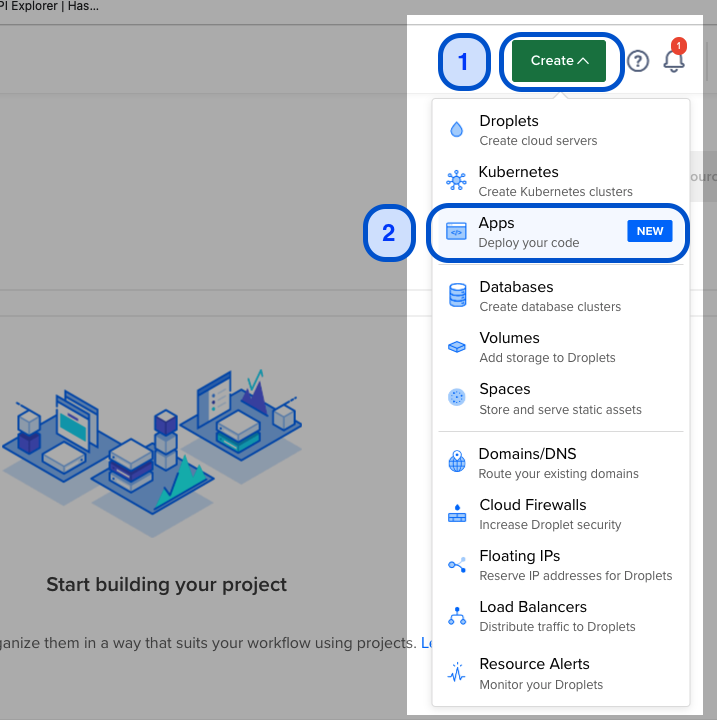
On the DigitalOcean homepage, click on the Create icon and select "Apps (Deploy your code)".
-
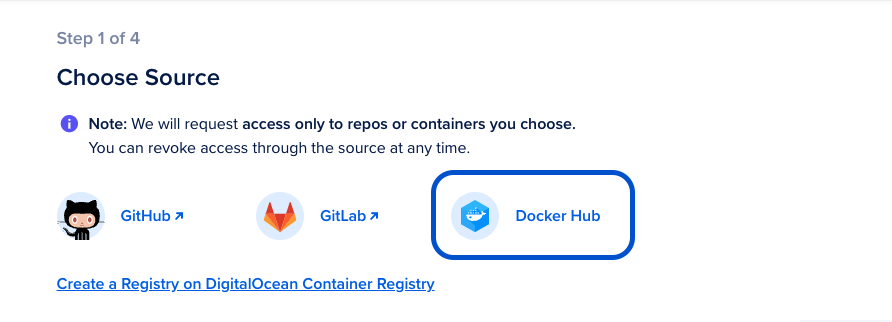
Choose "Docker Hub" as the source.
-
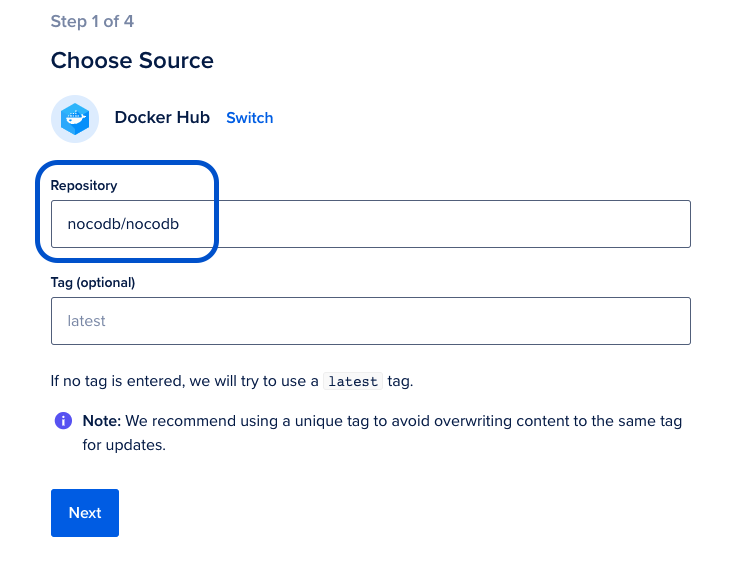
Set the source repository as nocodb/nocodb. You can optionally specify a release tag if you want a specific NocoDB version.
-
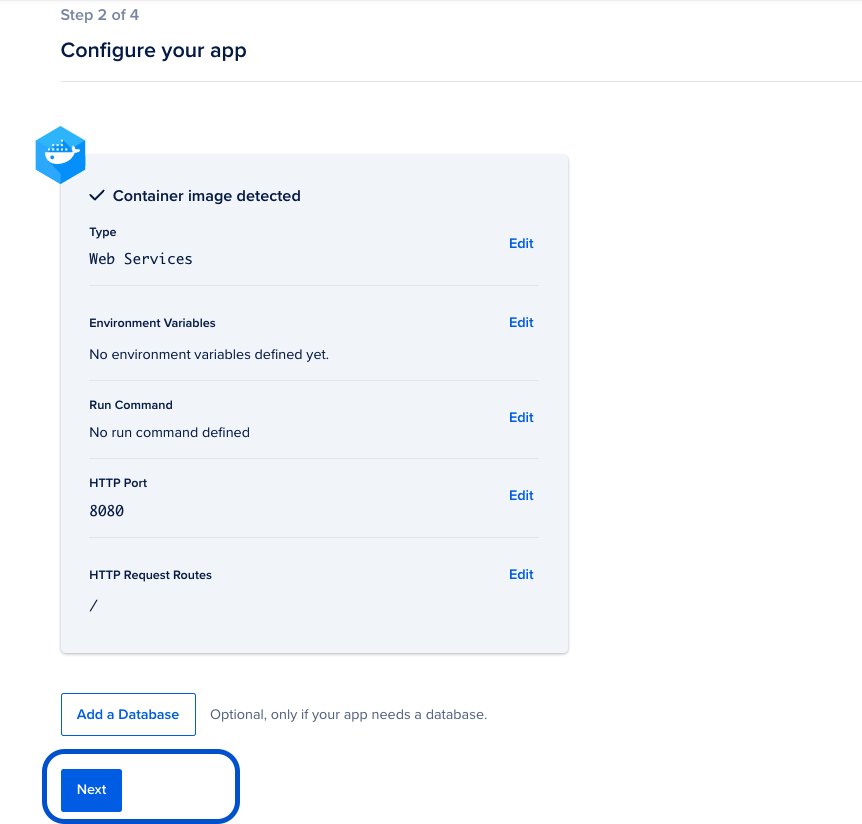
Configure any additional settings as needed.
-
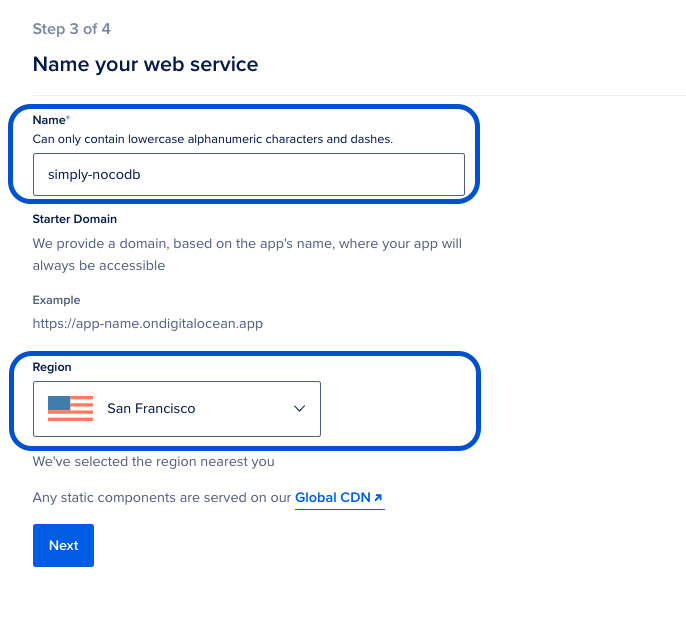
Name your web service and select the nearest region for cloud hosting.
-
Choose your preferred hosting plan and click on "Launch Basic App".
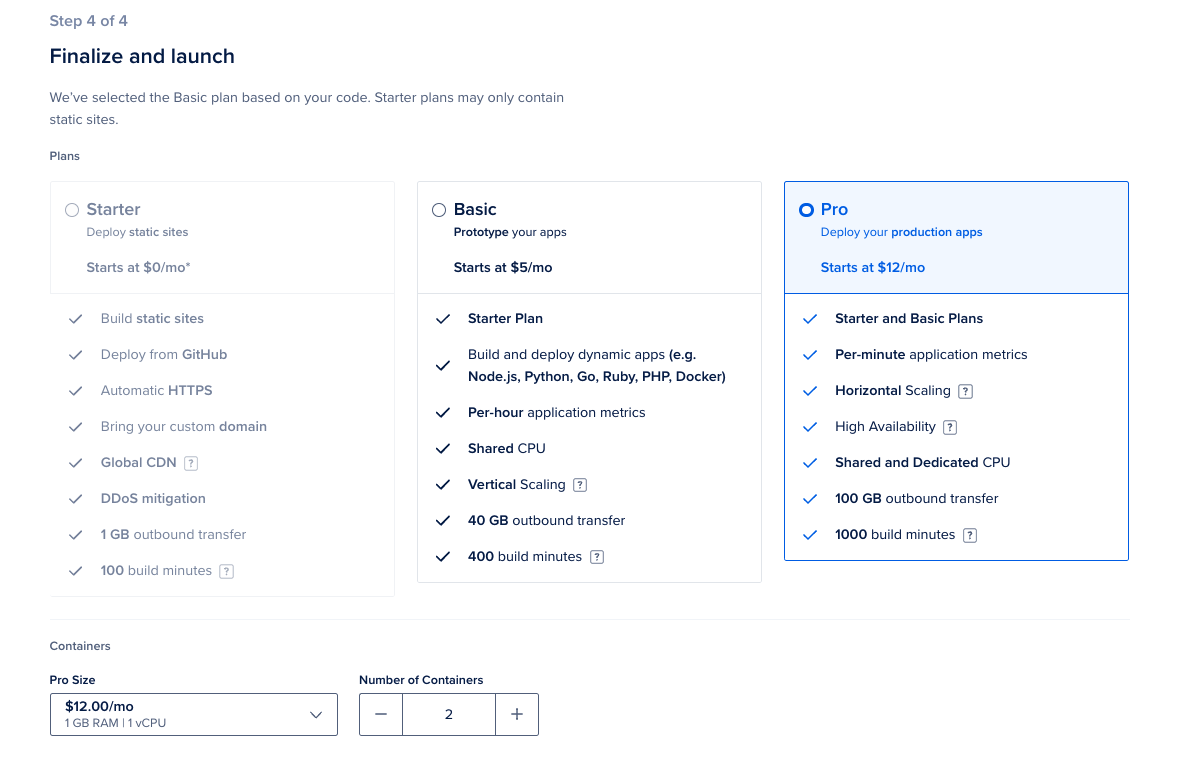
Your application will be built, and the URL will be live shortly. The URL will look something like https://your-app-name.ondigitalocean.app/.
Important Notes
- Ensure you configure environment variables for database connections if needed.
- Set up persistent storage for your NocoDB data.
- You can scale your app as needed using DigitalOcean's App Platform.
- Consider enabling automatic deployments for easier updates.