mirror of
https://github.com/nocodb/nocodb.git
synced 2026-04-30 17:47:10 +00:00

39 lines
1.8 KiB
Markdown
39 lines
1.8 KiB
Markdown
---
|
|
title: 'Expanded Form'
|
|
description: 'NocoDB provides Expanded Form to let you edit your data easily'
|
|
position: 1000
|
|
category: 'Product'
|
|
menuTitle: 'Expanded Form'
|
|
---
|
|
|
|
## Overview
|
|
|
|
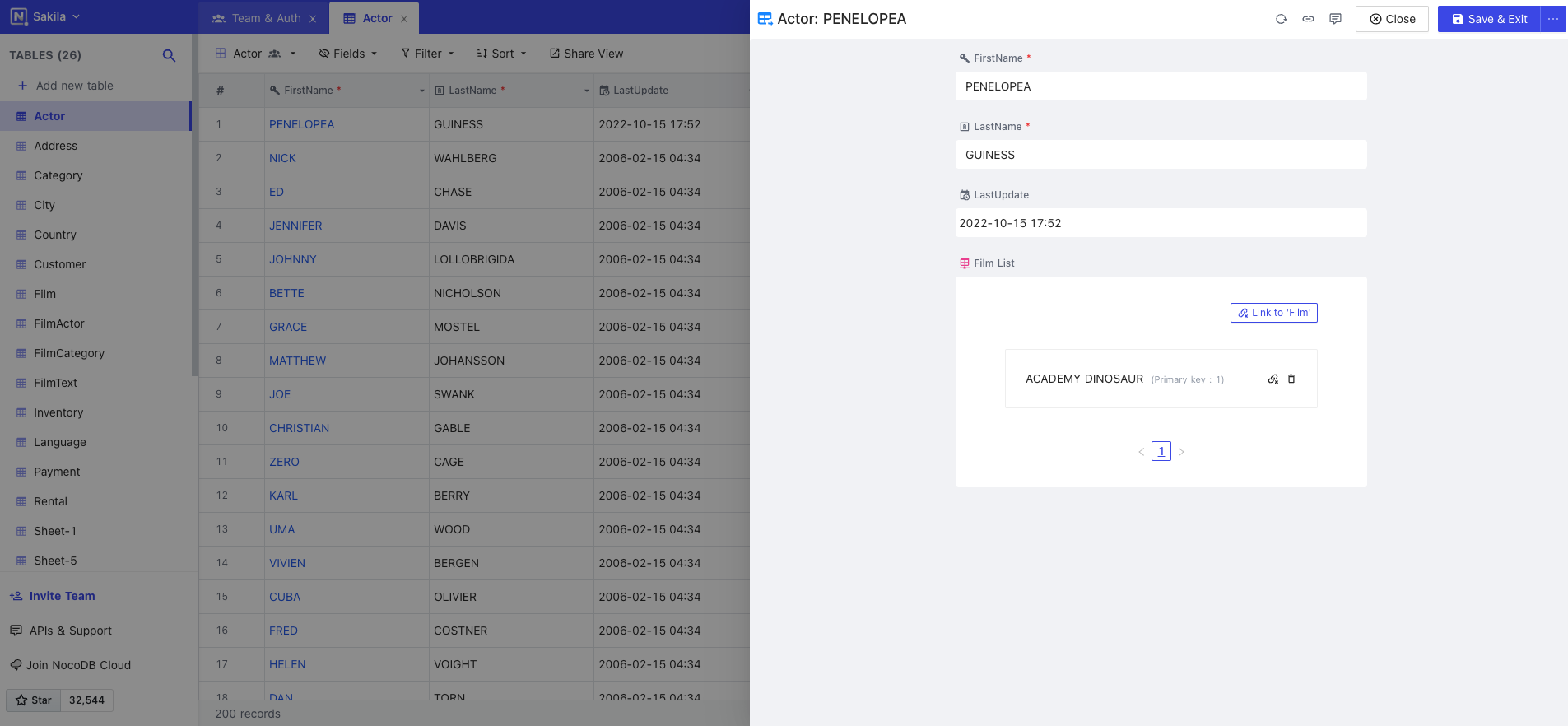
Expanded Form allows you to edit a row data in a form. It also shows the activity feed such as user comments or revision history. It can be also shared by others by copying the record URL.
|
|
|
|
|
|
|
|
## Expanding a Record
|
|
|
|
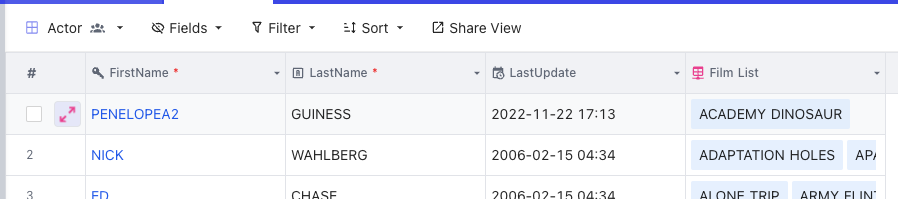
In a grid view, we can hover a row record and a doulbe arrow will be shown. By clicking it, the expanded form will be opened.
|
|
|
|
|
|
|
|
Alternatively, we can highlight a cell and press the space bar. The expanded form for the correpsonding row will be opened.
|
|
|
|
## Activity Feed
|
|
|
|
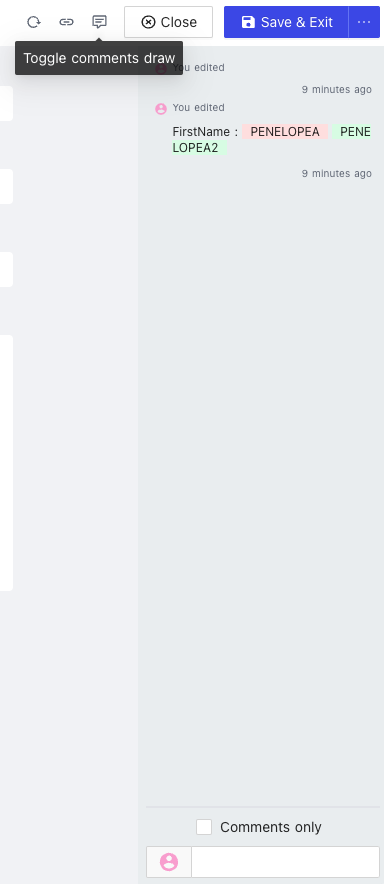
In an expanded form, we can click `Toggle Comment View` button to show the activity feed where we can optionally filter out comments only.
|
|
|
|
|
|
|
|
## Copy Record URL
|
|
|
|
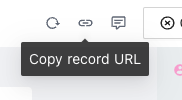
In an expanded form, we can click `Copy Record URL` to share the record form to other authorized users.
|
|
|
|
|
|
|
|
## Save Button Option
|
|
|
|
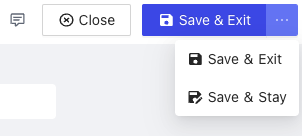
By default, when we save the form, the expanded form will be closed, i.e. `Save & Exit`. However, if we prefer not to close the form even after saving, we can choose `Save & Stay` mode instead. This is useful when you are editing a long form and you want to save it from time to time.
|
|
|
|
 |